You launch your browser, enter the website URL you hope to reach, and instead come face-to-face with a critical error on this website. But as a business owner like you, this is the last thing that you want to see.
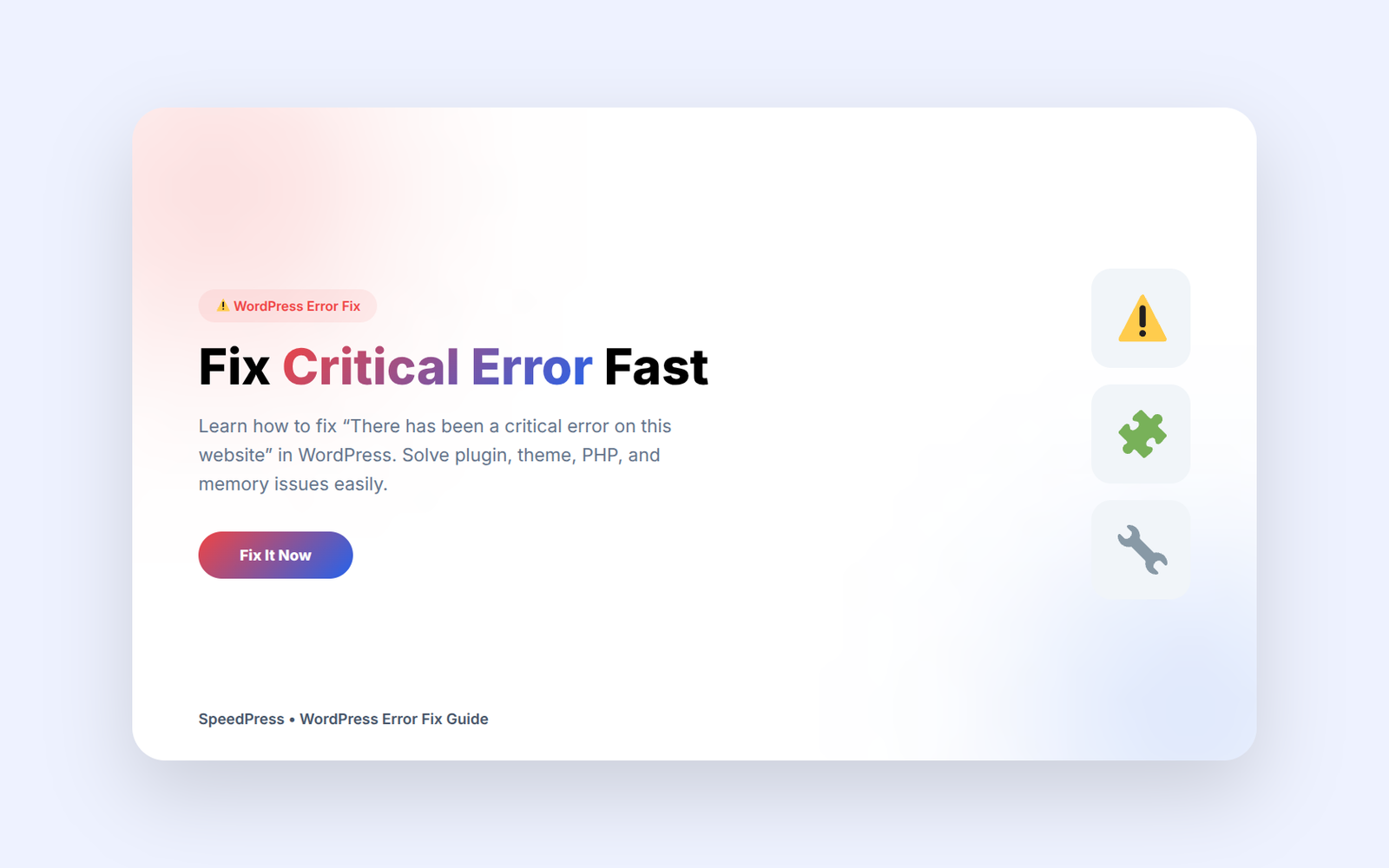
It might happen, let’s say, after updating a plugin, changing the theme, or experiencing any issue with hosting (hosting changes anything in your backend and it is not uncommon to run into issues) or we just made a mistake while writing code. Sometimes it blocks one page. Which is slap in the face, because sometimes it takes your whole site down. Allowing visitors to browse either way just doesn’t work well. Your site might not be crawled properly by Google. You might be losing leads before they even get to what you offer.This guide will help you fix the “There has been a critical error on this website” issue step by step.
The silver lining is that this particular code error in WordPress tends to appear for a purpose. So, in-order to resolve the issue, just find out the root cause of that issue and fix it.
What does “There has been a critical error on this website” mean
If there is a PHP error present on your site, WordPress will show this message. It’s based on PHP, and that is what drives the core system, themes, and plugins of WordPress. When there is a failed part of poorly, WordPress shoots up a wall of a block that prevents the page from loading. This will display a fatal error message.In simple terms, the “There has been a critical error on this website” message appears when something breaks in your site’s core functionality.
It’s our check-engine light in your automobile. The car is still there; you just have to tune the engine before driving away.
The following is some error that it may handle on business website pages:
- The homepage
- The WordPress admin dashboard
- WooCommerce checkout
- Contact forms
- Blog posts
- Landing pages
- Plugin settings pages
One Clients Experience
As an illustration, one of our clients faxed us when their services website went down while running a paid marketing campaign. They still had to pay for each and every click. Instead of getting to the booking page, users hit a big fat error screen. These problems don’t just lead to stress, but also to financial cost.
Greetings, Here Seems to be a Bug on Your Site
This is not without good reason that WordPress does not furnish you with this message. It creates a conflict either of one thing or other in your site environment, or it runs out the resources, or breaks its loading process.
Plugin Conflict Causing “There has been a critical error on this website”
Plugins help WordPress do more. They also add extra code. You update one plugin and it conflicts with another plugin, your theme, or your PHP version.
Maybe a new release to your form plugin, or something that gets present. Then your dashboard stops loading. Your server may no longer be supporting the function this plugin is using. Another plugin could already be controlling the functionality. WordPress errors out and dies.
This is happened more on sites with plugins. More plugins means more moving parts, and greater chance for a conflict.
Theme Issues Behind “There has been a critical error on this website”
A theme is what controls the design, layout, templates, and sometimes custom features of your WordPress site. Problems occur if there is a weak theme with code or even poor development practices.
And a theme may look beautiful on the outside. Messy backend code that you had no idea still existed. The ugly code will make your site slow, ruin SEO, create holes in security, and bugs.
PHP Version Issues Causing “There has been a critical error on this website”
WordPress depends on PHP. This is applicable for plugins and themes as well; PHP is one of the system requirements. A hosting provider can then upgrade PHP, which will potentially cause your old code to fail to operate.
Most website owners are common to confuse, because they do nothing. The site worked yesterday. Today it shows an error. After that, the server updated. The code for the site did not follow suit.
THIS IS HOW YOUR SITE RUNS OF MEMORY
WordPress needs memory to generate pages and execute the plugins which handle database queries and background operations. A heavy website can surpass memory limit, crashing.
Owners of websites are copying and pasting snippets of code into the functions.php file. One missing bracket, semicolon, or duplicated function can destroy the site.
Importance of Business and SEO & What Does This Error mean
Website owners think, “What a blunder. I’ll fix it later.”
That delay can hurt.
Your website won’t have instant loading according to visitors. They jump ship if you make a mistake. Many will never come back. However, if your site had hours or days of downtime, findability might be shaky when Google crawls the pages that you’ve sent to search engines.
A critical error can affect:
- Lead generation
- Sales
- SEO performance
- User trust
- Paid ad results
- Brand reputation
How to Fix “There has been a critical error on this website” in WordPress
Wasting time on trying to hit buttons or delete files out of fear. A calm process works better.Follow these steps to fix the “There has been a critical error on this website” problem safely.
Check the WordPress Recovery Email
In most cases, WordPress will also send a recovery email to your e-mail address. Usually, this email contains the name of which plugin or theme is causing such an error. It may also contain a link for recovery mode.
If you can reach the email, click on that link. If you install the problem plugin, WordPress might even let you into the dashboard without it, allowing you to disable the rogue item safely.
Disable Plugins One by One
When you cannot access from the dashboard, use your hosting file manager or FTP.
Go to:
wp-content/plugins
Change name of plugins folder to something like:
plugins-old
Reload your website. If the site loads, a plugin is causing the problem.
Switch to a Default Theme
If the plugin is not the culprit when doing this test, then verify the theme.
Go to:
wp-content/themes
Rename your theme folder. Another theme will load. WordPress will attempt.
Turn On Debug Logging
And the error that generated this message is in debug logs.
Open your wp-config.php file. Add these lines:
define('WP_DEBUG', true);
define('WP_DEBUG_LOG', true);
define('WP_DEBUG_DISPLAY', false);wp-content/debug.log
Increase PHP Memory Limit
Test memory increase if your site hits any resource limits.
Add this line to wp-config.php:
define('WP_MEMORY_LIMIT', '256M');
Knowing When to Call in a Developer for Assistance
You remedy tensions between plugins! Some situations need hands.
Call a WordPress developer when:
- Your dashboard does not load
- Your WooCommerce checkout fails
- The error keeps coming
- Your site uses custom code
- You have a paid advertisement on the website
Disable Critical Error Has Occurred on This Site
A proper prevention plan creates time, cash, and stress.
Use a Staging Site to Prevent “There has been a critical error on this website”
A staging site is essentially a clone of your website. Updates to plugins, changes in themes, and PHP upgrades and custom code testing can all be done before any of that is actually visible to your visitors.
Keep Clean Backups
That should be obvious, and if it is ignored, that makes almost no sense since a backup is only useful when you can restore the data. Make a copy in a different location from your hosting account. Test them from time to time.
Use Fewer, Better Plugins
Every plugin adds code. Every plugin needs updates. Every single plugin can have conflict possibility.
Choose plugins from developers. Remove plugins. Replace plugins with a cleaner alternative if possible.
Better Hosting to Avoid “There has been a critical error on this website”
Hosting can put a cap on memory, pages can slow down, and help gets delayed when your site goes down. Choose your hosting by the role of your website in your business. Think of hosting as being a missing link in your growth system when you have a website that should be generating leads, sales, or bookings.
Maintain Your Website Regularly
WordPress needs care. You should update it carefully. Also monitor uptime. Scan for malware. Clean the database. Check speed. Review SEO basics. Test checkout pages.
You can ignore a site for so long until it complains. Sometimes it strikes back with an exception.
FAQ Related to There Has Been a Critical Error on This Website
What Causes “There has been an error on this website” Issue?
And this error is most often caused due to any Plugin Conflict, Theme issue, PHP version issue, Memory limit, or any type of code mistake. If you have a PHP problem, WordPress can stop loading. So an altercation between plugins could mean the mistake. A theme issue is responsible for the other error as well. It occurs due to a problem with the version of PHP. It is caused by a memory limit. The bug is a result of a typographical mistake in the code.
Can I fix the error myself?
Yes, you can often fix it. Check the recovery email. Disable plugins. Switch themes. Read the debug log. If you have custom code, issues with WooCommerce, and crashes, then sure you need a developer. Some custom code may need a developer. If you integrate with WooCommerce, a developer for WooCommerce issues if others fail. When the crashes materialize, you should reach out for help.
Will this error hurt my SEO?
Yes, the error can hurt SEO. This is what it will do if it survives for any length of time. Visitors leave quickly. It might be difficult for Google to crawl a page. Also, the site might not be crawled properly by Google. As a result, it might lose trust. These repairs and monitoring protect rankings. And a critical error is the worst thing for SEO.
How to delete the plugin that created such an error
Step 1: Ensure the problem actually is caused by the plugin. You can then update, replace, reach out to the author of the plugin, or delete it if your site no longer needs it.
How does SpeedPress solve this?
SpeedPress can troubleshoot WordPress errors, improve website speed, and strengthen security. SpeedPress is designed for creating SEO-optimized WordPress sites. As a long-term investment into your work, just so covers are useful and support you for years to come.
A critical error feels frustrating. Especially when your site transacts (and actual money) — you could manage there has been an error on this website by following the correct measures. Find the cause. Fix it safely. Improve the system. So it is not that the same issue gets repeated.
Need an SEO-optimized WordPress website? Contact SpeedPress for custom development. 🚀