Transform Your Site with a WordPress Speed Optimization Service
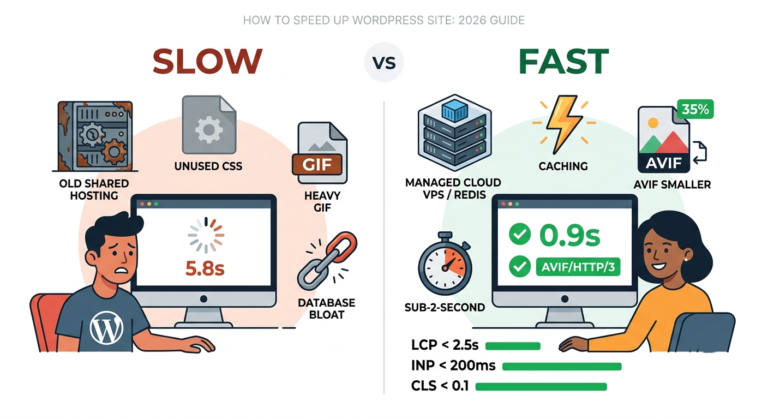
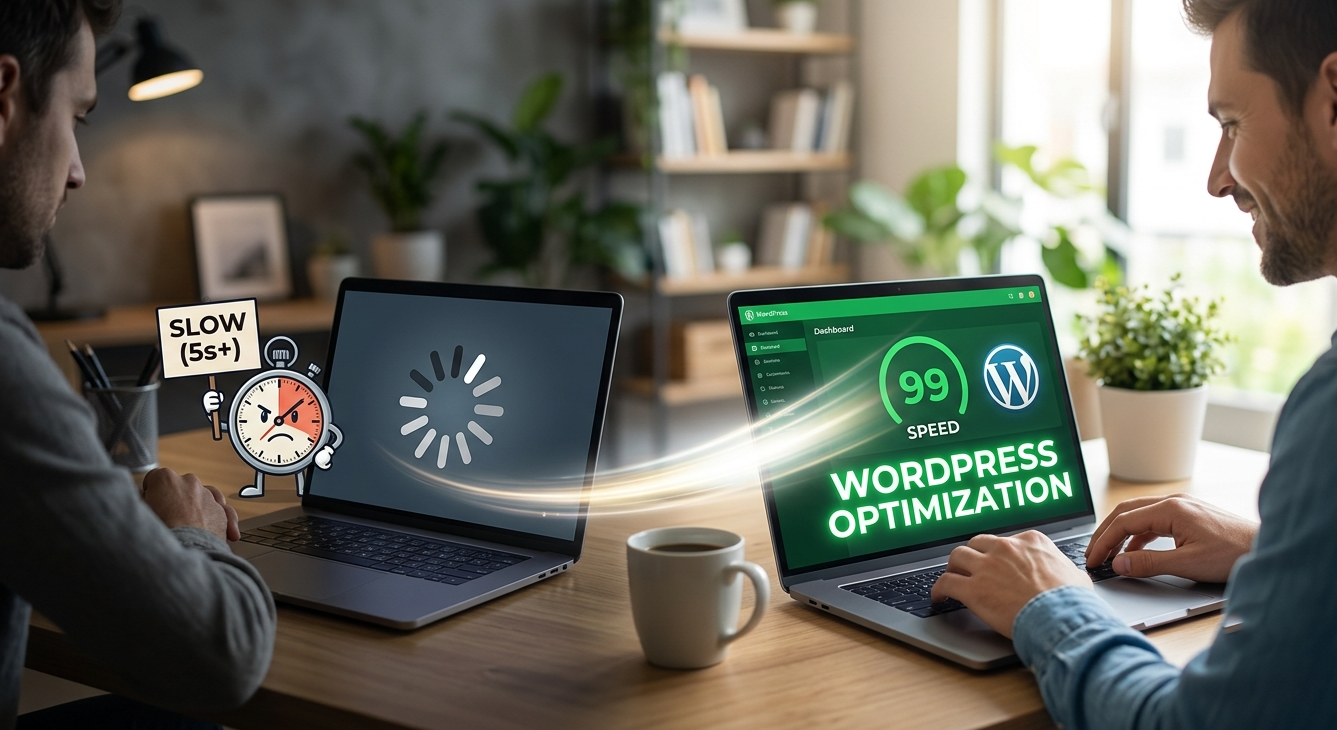
You can solve slow WordPress loading times by hiring a professional wordpress speed optimization service to implement layered page and object caching (Redis/Memcached), compress media to WebP/AVIF formats, defer render-blocking CSS/JavaScript, clean up database revisions, and deploy a global Content Delivery Network (CDN). These technical actions reduce Time to First Byte (TTFB) below 200ms and instantly elevate Core Web Vitals performance.
What Is a WordPress Speed Optimization Service?
A dedicated wordpress speed optimization service audits your website architecture to repair performance bottlenecks. Every online business requires speed to retain visitors and maintain high search visibility. When page assets load efficiently, visitors experience instant interaction, which directly increases conversion rates.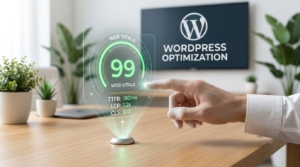
Imagine running an online store where customers wait several seconds for product images to load. Visitors bounce quickly when servers respond slowly. By utilizing a wordpress speed optimization service, technical engineers streamline your codebase, optimize database queries, and tune your server environment to deliver seamless web browsing experiences across all mobile and desktop devices.
Why Does Your WordPress Website Load Slowly?
-
Plugin Bloat: Excessive or poorly coded plugins execute duplicate database queries during every page request.
-
Unoptimized Images: Large, uncompressed visual assets in outdated formats like PNG or BMP strain bandwidth.
-
Inadequate Hosting: Shared hosting environments yield high Time to First Byte (TTFB), capping overall site performance.
-
Heavy Visual Page Builders: Platforms like Elementor or Divi inject complex CSS and JavaScript structures into your page markup.
-
Lack of Caching Mechanisms: Servers without caching rebuild pages dynamically using PHP and MySQL queries for every single hit.
-
Bloated Database Tables: Accumulated spam comments, expired transients, and post revisions degrade search speed.
-
Render-Blocking Resources: External analytics scripts, social widgets, and un-deferred CSS/JS block browsers from displaying readable content.
How Does Image Optimization Improve Site Speed?
Visual content consumes the largest percentage of page payload. Compressing images transforms web performance instantly without sacrificing aesthetic quality. Converting standard JPEG or PNG files into modern WebP or AVIF formats drastically reduces file sizes. Modern compression tools preserve crisp visuals while trimming bandwidth consumption. Integrating lazy loading ensures browser instances download images only when visitors scroll them into view. Responsive scaling further serves lightweight media tailored specifically to mobile viewports.
What Is the Role of Caching in Speed Optimization?
-
Page Caching: Delivers pre-rendered HTML documents directly to visitors without triggering PHP scripts.
-
Object Caching: Stores complex MySQL query results in server RAM using Redis or Memcached engines.
-
Browser Caching: Configures client-side headers so returning users load static files directly from local storage.
How Can Code Cleanup Accelerate Your Loading Times?
Unused CSS rules and un-deferred JavaScript files slow down browser rendering engines. Minifying files removes unnecessary whitespace, comments, and line breaks from code assets. Deferring non-essential scripts allows browsers to parse critical HTML elements first. Removing site bloat such as disabling standard emoji scripts, embed scripts, and adjusting the WordPress Heartbeat API frees CPU cycles on your server for meaningful user interactions.
Why Is Database Maintenance Vital for Speed?
WordPress databases accumulate digital clutter over operational months. Every draft edit creates post revisions, while plugins leave residual tables after deletion. Regularly purging discarded draft revisions, spam comments, and transient option records speeds up database search queries. A clean, streamlined database responds instantly during high-traffic surges, preventing database timeout errors.
What Are the Benefits of Using a CDN?
Content Delivery Networks (CDNs) cache your static images, CSS stylesheets, and JavaScript files across interconnected edge servers worldwide. When international visitors request access to your website, the CDN serves data from the nearest geographic node. This proximity reduces physical latency, balances server loads, and protects your host from traffic spikes.
How Does Upgrading Your Hosting Environment Help?
Your server infrastructure defines the absolute speed ceiling for your website. When your hosting environment exhibits a Time to First Byte (TTFB) higher than 600ms, software optimizations hit structural limits. Migrating to specialized, managed WordPress hosting providers grants access to server-level caching, isolated container environments, and high-performance server hardware.
What Is Digital Marketing Strategy in Relation to Site Speed?
Many site owners wonder: what is digital marketing strategy when technical site speed is involved? A modern marketing strategy connects technical performance directly to user acquisition and customer retention goals. Search engine visibility relies heavily on page load speeds and overall user experience indicators. Fast sites score higher in organic rankings, lower cost-per-click metrics in paid advertising campaigns, and retain visitors longer. Technical performance forms the core foundation of every scalable digital marketing framework.
How Do Professional Optimization Services Assist Complex Sites?
Custom e-commerce platforms and high-traffic membership portals require specialized technical care. Standard automated plugins sometimes break complex interactive features or dynamic cart functionalities. Professional development teams conduct deep code-level audits, fix database bottlenecks, rewrite custom code, and fine-tune server configurations. Engaging dedicated speed specialists ensures your custom platform achieves peak performance while maintaining operational integrity.
How Can You Get Professional Assistance Today?
If your website exhibits slow loading speeds or fails Google Core Web Vitals assessments, direct developer support resolves technical hurdles rapidly. Take immediate action to restore top-tier site speed and enhance user experience. Contact technical experts today to schedule a comprehensive performance audit:
-
Contact Page: Reach out directly through our contact portal for custom solutions.
-
WhatsApp: +8801704217202
-
Email: developerlaju@gmail.com
FAQs
1. What ideal page load speed should a WordPress site target?
Websites should aim for a loading time under 2 seconds. Core Web Vitals metrics target a Largest Contentful Paint (LCP) under 2.5 seconds to maximize search engine rankings and user satisfaction.
2. Will speed optimization break my existing website design?
Professional optimizations preserve full design layout and user experience. Developers test minification and script deferrals on staging environments to ensure total operational safety.
3. How often should database maintenance occur?
Performing database cleanups once every month maintains optimal performance for active websites.
4. Does hosting quality affect site performance more than plugins?
Hosting quality establishes your base hardware capability. High-quality hosting combined with clean plugin architecture yields optimal site performance.
5. Can image compression lower image visual quality?
Modern WebP and AVIF compression algorithms drastically reduce file sizes while maintaining visual clarity.