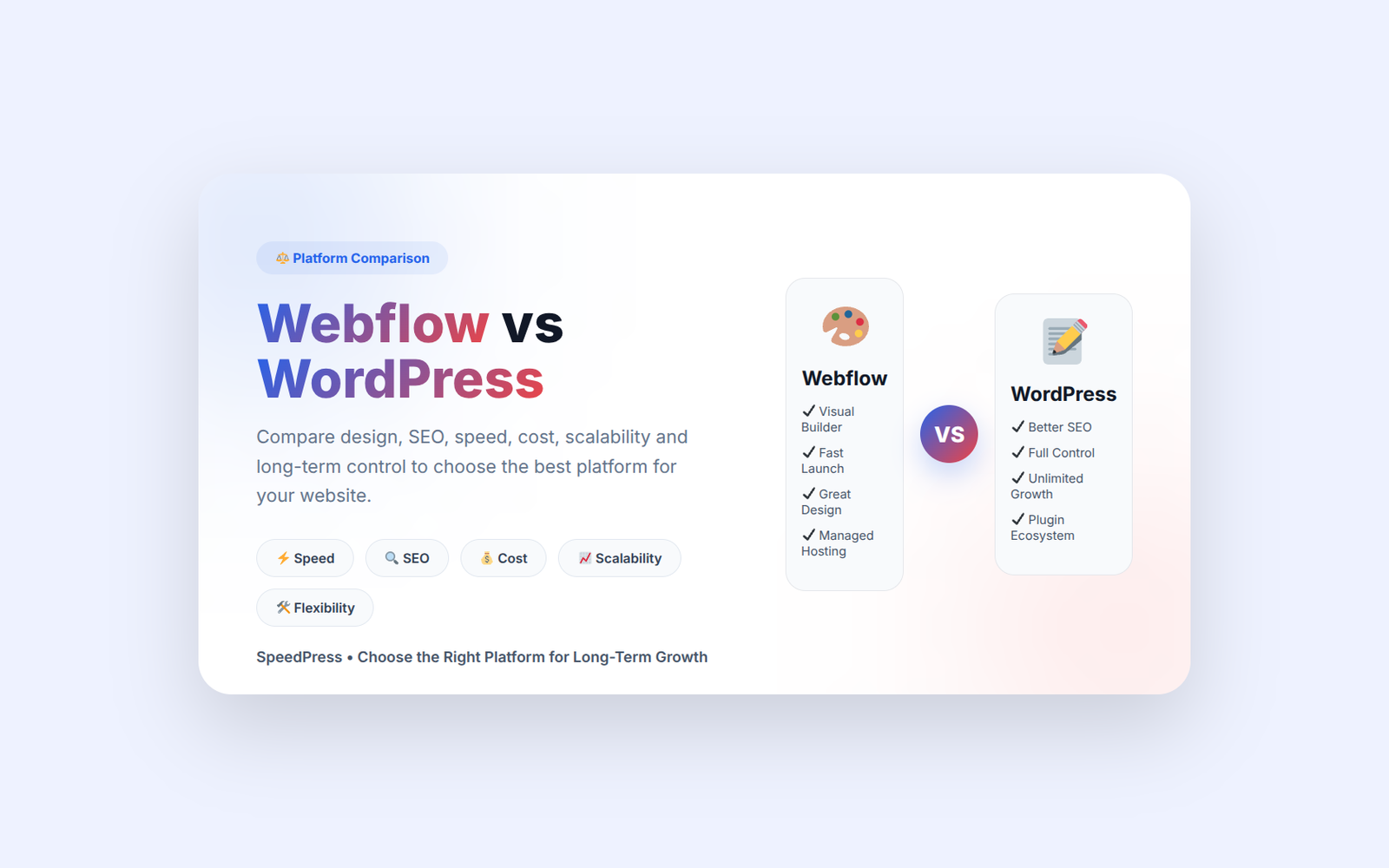
When you are building your website, one big question soon will become evident: Webflow vs WordPress. From the surface, both platforms look very powerful. Both can be used to build professional-looking websites with little or no coding, depending on how you build them. However, when you dive deeper, those differences become hugely important—especially if SEO, speed, control and long-term growth are a priority for you.
We will analyze this in a straightforward, out-of-the-box way so you can make the decision without a speck of confusion.
Understanding Webflow vs WordPress
At its core, Webflow is a visual website builder. You build everything in a drag-and-drop interface and clean code is auto-generated behind the scenes. It is contemporary and deliberate—like designing websites visually in a browser-based design tool.
Now WordPress reacts differently. It is an open source CMS which powers a large part of the web. You set it up, select themes, install plugins and systematically create your website. This affords you more freedom—but also more responsibility.
A neat little way to visualize this would be as follows:
Webflow is like a Design Studio for you
In WordPress — It is like you are in a complete workshop room with all the tools and elements at your disposal.
That difference alone changes everything.
Simple to use: Which one is easier?
Webflow for the most part, seems easier at first. You open it, you drag and drop visually, and the results appear at once. Do not need to worry about hosting or plugins at initial stage. Such a smooth experience is adored by most of the designers out there.
However, an interesting thing happens after a few weeks. If your website becomes complicated, you begin to feel constrained.
With WordPress you would have to spend more time learning. When You install plugins, manage themes, or sometimes fix minor errors. At the start, it might sound a little mechanical. But once you learn it, you can control your site fully.
A small example:
A Webflow landing page could rapidly be set up by a local business owner. However when that same business desires advanced booking systems, SEO tools, multilingual content and customization, WordPress begins to offer greater flexibility.
That really begs the question, the REAL question is not “which one is easier?”
It is “what stage are you in?”
Design Flexibility: Webflow Vs WordPress
Where Webflow really excels is design control. I could create visually articulated layout without writing any code at all. That was the reason why designers love to use it.
Everything feels precise. Spacing, animations, responsiveness—pixel by pixel.
WordPress relies on themes and builders like Elementor or Gutenberg. While this provides some degree of flexibility, very often it restricts the creative options you have to work with without using additional tools or custom development.
A real-world scenario:
Imagine a startup that needs a highly animated portfolio website. Webflow handles it smoothly.
But thousands of pages worth of content on a blog? WordPress handles it better.
Design freedom relies on what you wish to build.
SEO Performance: Webflow vs WordPress for SERP
This is where things get really serious.
WordPress offers more flexibility for advanced SEO because plugins such as Yoast SEO or Rank Math provide granular control over metadata, schema, sitemaps and technical SEO. You can optimize almost everything.
Webflow additionally provides clean code and rapid velocity, which helps with SEO. However, it lacks more advanced SEO features versus WordPress.
But here is the reality which many people do not see
Google does not rank platforms. It ranks websites.
A properly optimized, well built WordPress site often outruns a Webflow page solely because the SEO tools are better on WordPress.
This is where companies such as SpeedPress come into play. They create blazing fast, secure and SEO-optimised WordPress websites that work in the search results not just look great.
Let’s also compare the speed and performance of each platform.
Speed and Performance: Which one loads faster?
Webflow provides you with fast web hosting out of the box. On the plus side, since it works off a worldwide CDN, your pages typically load fast with minimal configuration.
The speed of WordPress depends on how well we build it. If you use poor hosting or bulky plugins, it can make it slower. However, a properly optimized WordPress website on quality hosting can perform just as well as, and in some cases better than, a Webflow website.
Think of it like cars:
Webflow provides you with a sports car all prepped up
Not only does WordPress provide you with parts, it helps you build your performance machine.
However, if built correctly, WordPress will give you performance flexibility forever.
Cost Planning: Beware hidden stories
Webflow uses a subscription model. You pay every month, or once per year and it gets more expensive as your site grows.
The WordPress software itself is free, but its basic service comes with costs:
Hosting
Premium themes
Plugins (sometimes)
Developer support (if needed)
Upon initial glance, WordPress appears less costly. However, depending on setup it could either be quite cheap or somewhat pricey.
Webflow feels predictable. WordPress feels flexible.
What actually separates them is not price — it is scale of cost control.
Maintenance and Long-Term Control
Since Webflow takes care of most of the technical maintenance. It handles behind-the-scenes updates, hosting, and security. That takes away some stress, especially for newbies.
WordPress requires maintenance. You also need to update plugins, backups and deal with security. This is hard work but it also provides ownership.
A simple analogy:
Webflow = managed apartment
WordPress = your own house
You decorate freely in both. However, only one has ownership in full.
When should you choose Webflow?
Webflow is great if you want to:
A visually heavy portfolio site
A fast marketing landing page
A design-focused project
No technical maintenance
Small to medium content structure
It is mostly favorable to designers, freelancers, and agencies who want speed of creation.
When should you choose WordPress?
When Should You Choose WordPress:
Strong SEO growth
Blogging or content-heavy websites
E-commerce or complex features
Long-term scalability
A company which has full control of the hosting and structure
WordPress is widely used by businesses because it scales with growth.
Webflow vs WordPress: Final thought
This Webflow vs WordPress debate comes to no clear ending. Every tool is for a specific issue.
Webflow is simple and visual design-oriented.
WordPress is about agile freedom with future control.
However, Webflow is a smooth experience if you need something fast and slick.
And if you need something more powerful and scalable, WordPress is a deeper solution.
WordPress is often the better option for businesses which actually care about SEO, performance and growth.
This is where you need expert development. WordPress sites built correctly can dominate search results.
SpeedPress builds WordPress websites designed for speed, security and SEO performance so business can really grow online instead of just existing.
FAQs: Webflow vs WordPress
What is Better for Beginners: Webflow or WordPress?
Reason why: Webflow seems simpler at the beginning — this is due to its visual editing. However, once you learn WordPress, it shines even further.
WordPress or Webflow: Which is Better for SEO?
From an SEO perspective, often WordPress is better as it allows more sophisticated optimization plugins and overall finer control.
Are You Able To Migrate From Webflow To WordPress Down The Line?
Yes, but does require some heavy lifting or developer support. Migration is not fully automatic.
Countless years later, in the middle of 2026 Are people still using WordPress?
Yes. WordPress continues to power over 40% of websites worldwide and remains one of the best platforms for building scalable websites.
If we talk about long-term growth, SEO and flexibility then most businesses go with WordPress. Webflow is an excellent tool for design-first small projects.
Want One Fast, Secure And SEO Optimized WordPress Website? Contact SpeedPress for custom development.